FFT Trigger Cam analyzes your microphone input using a live spectrum (FFT) and converts it into camera actions: Start (begin recording), Action (photo or timelapse frame), and End (stop recording / finalize timelapse).
Demo recordings were captured on iPhone 15 and Google Pixel 9 Pro.
Use sound to control the camera without touching the screen: start recording on a tone, capture timelapse frames on repeated events, and stop recording on a final signal.
The main screen is your starting point. Pick one of the three trigger channels, set its mode, configure the parameters, and test it - then activate FFT ON inside the camera view to start capturing.
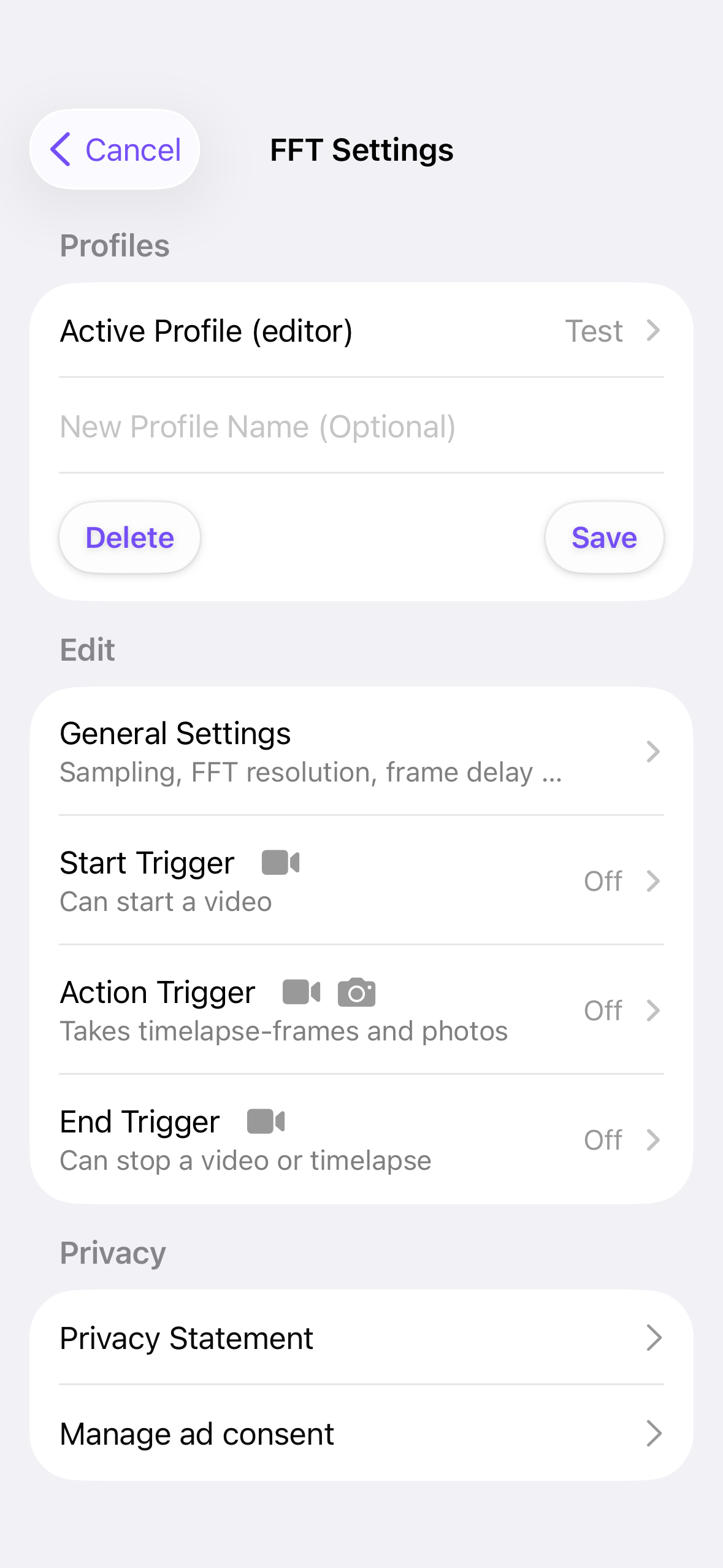
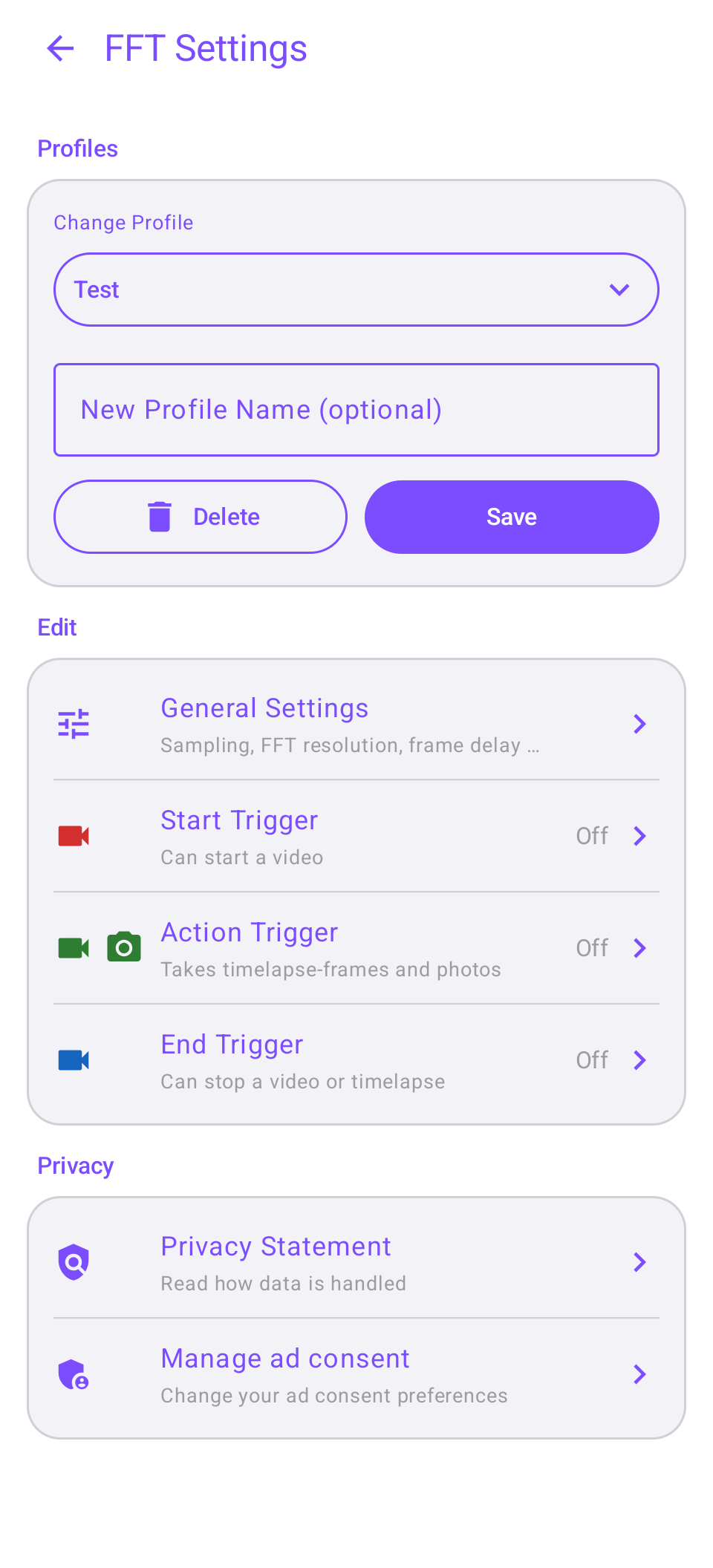
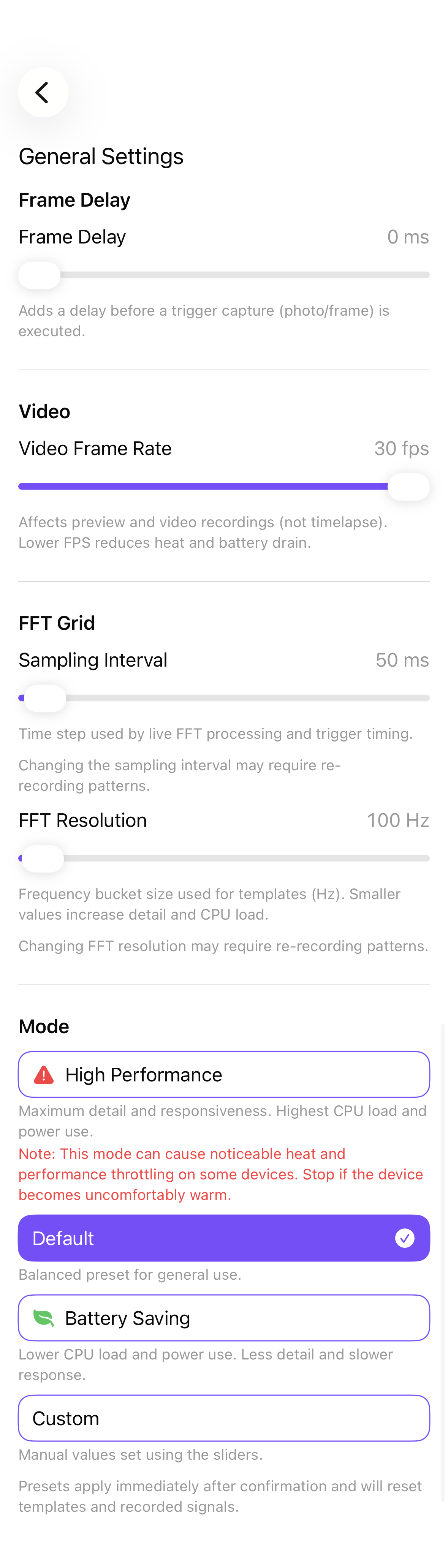
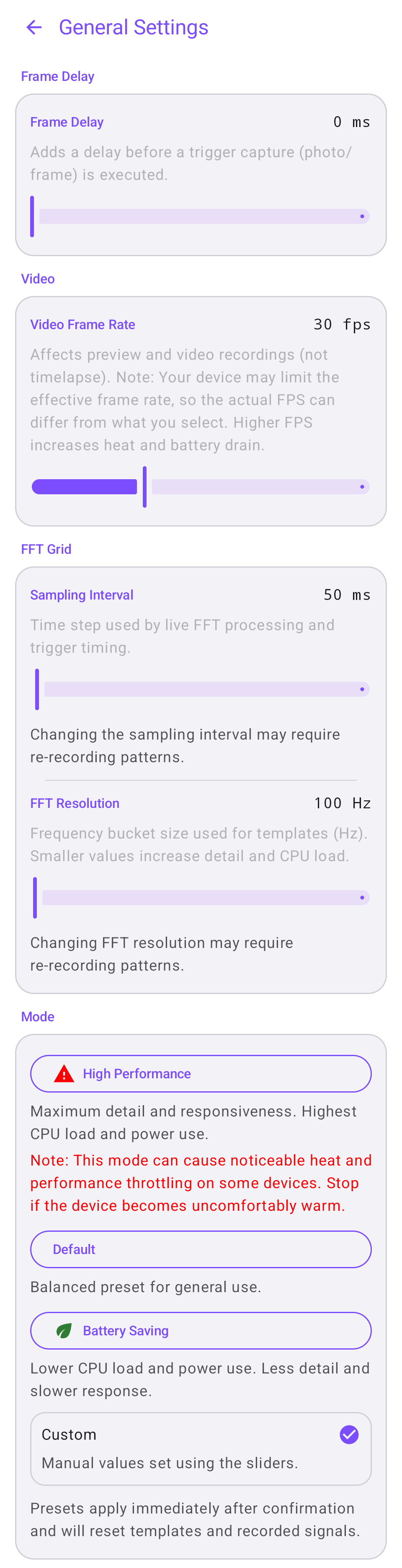
Fine-tune how the audio pipeline behaves and control camera frame rate for power saving:
Presets let you switch between Max performance, Power saving, or Reset to defaults in one tap.
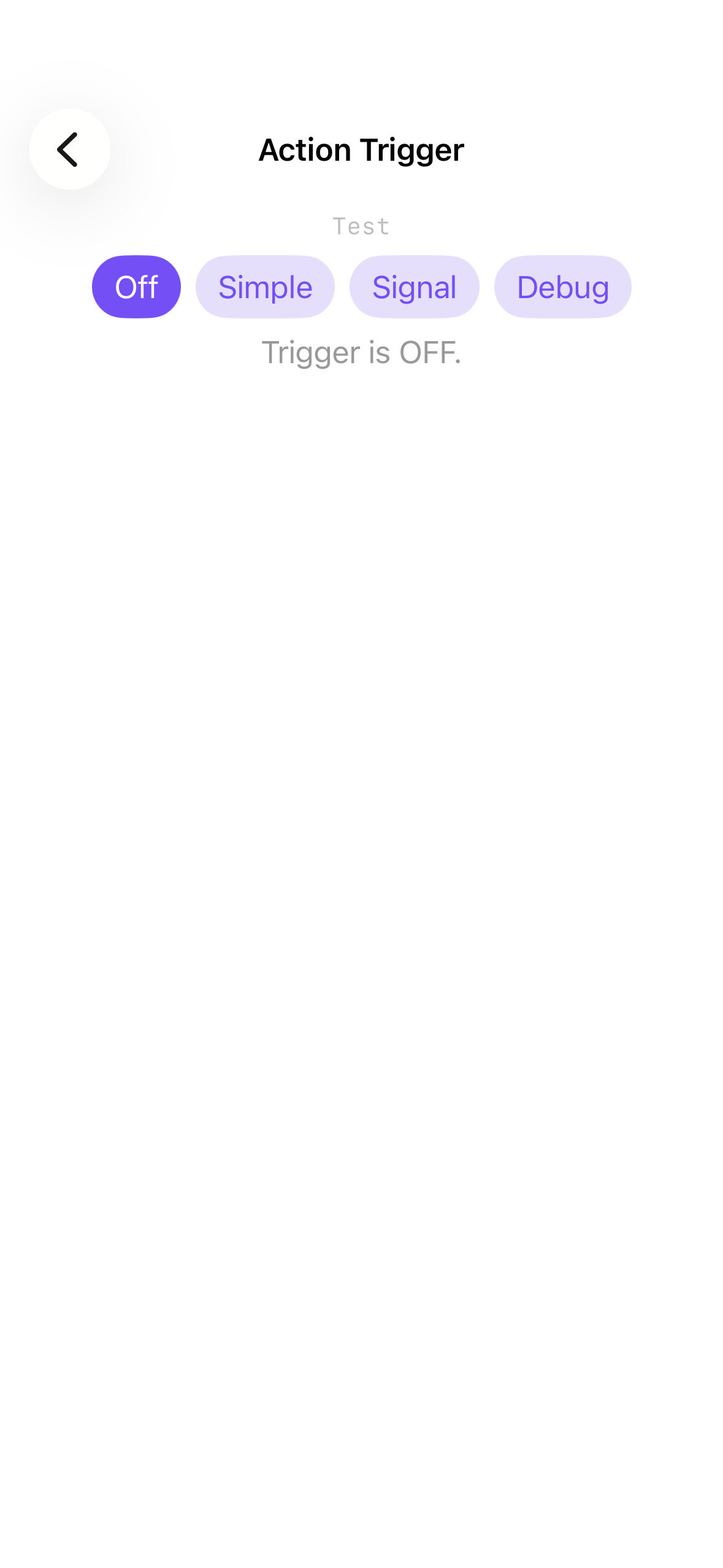
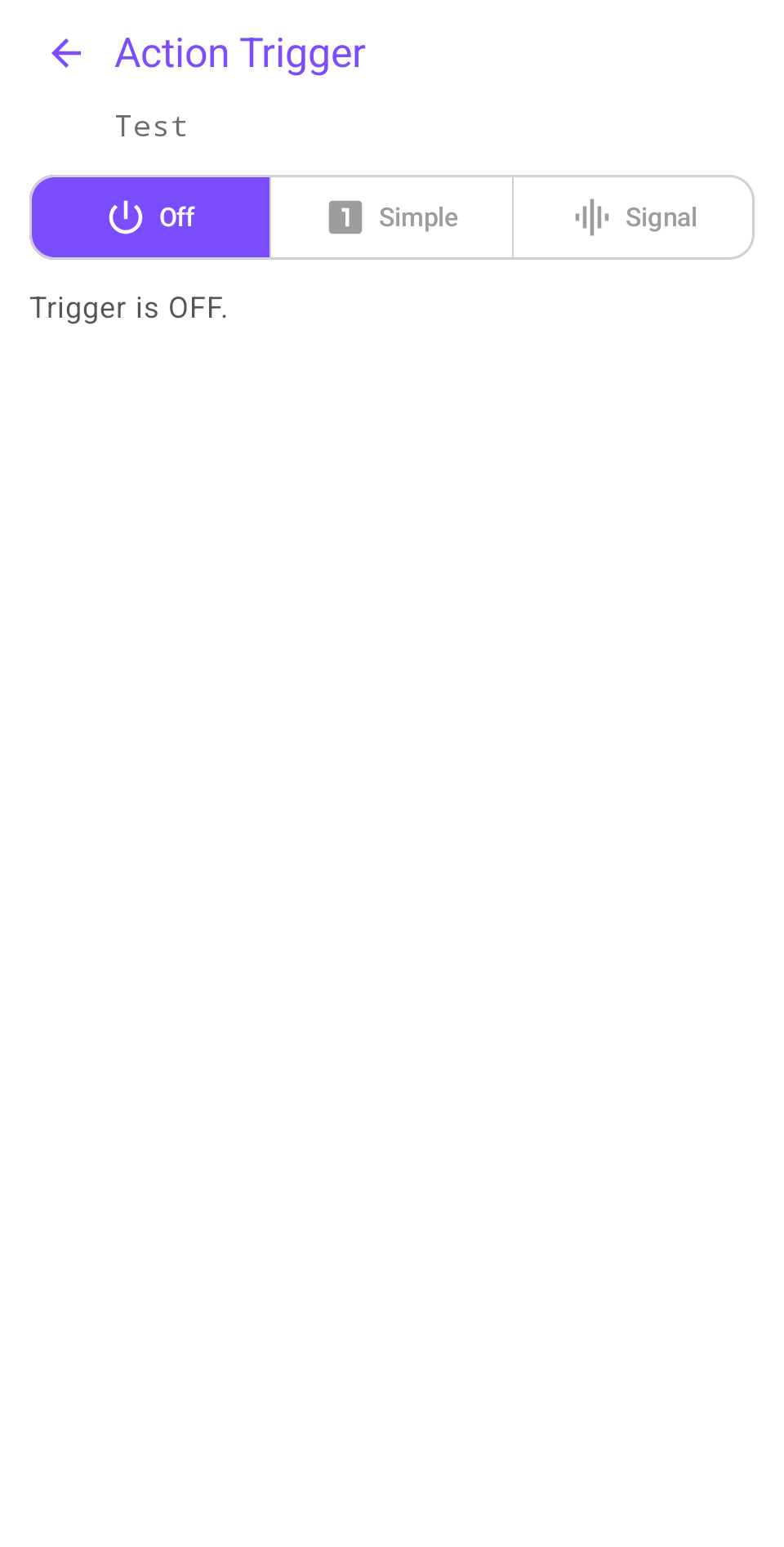
Setting a trigger channel to Off disables it entirely. Use this to reduce complexity - only activate the channels you actually need for your use case.
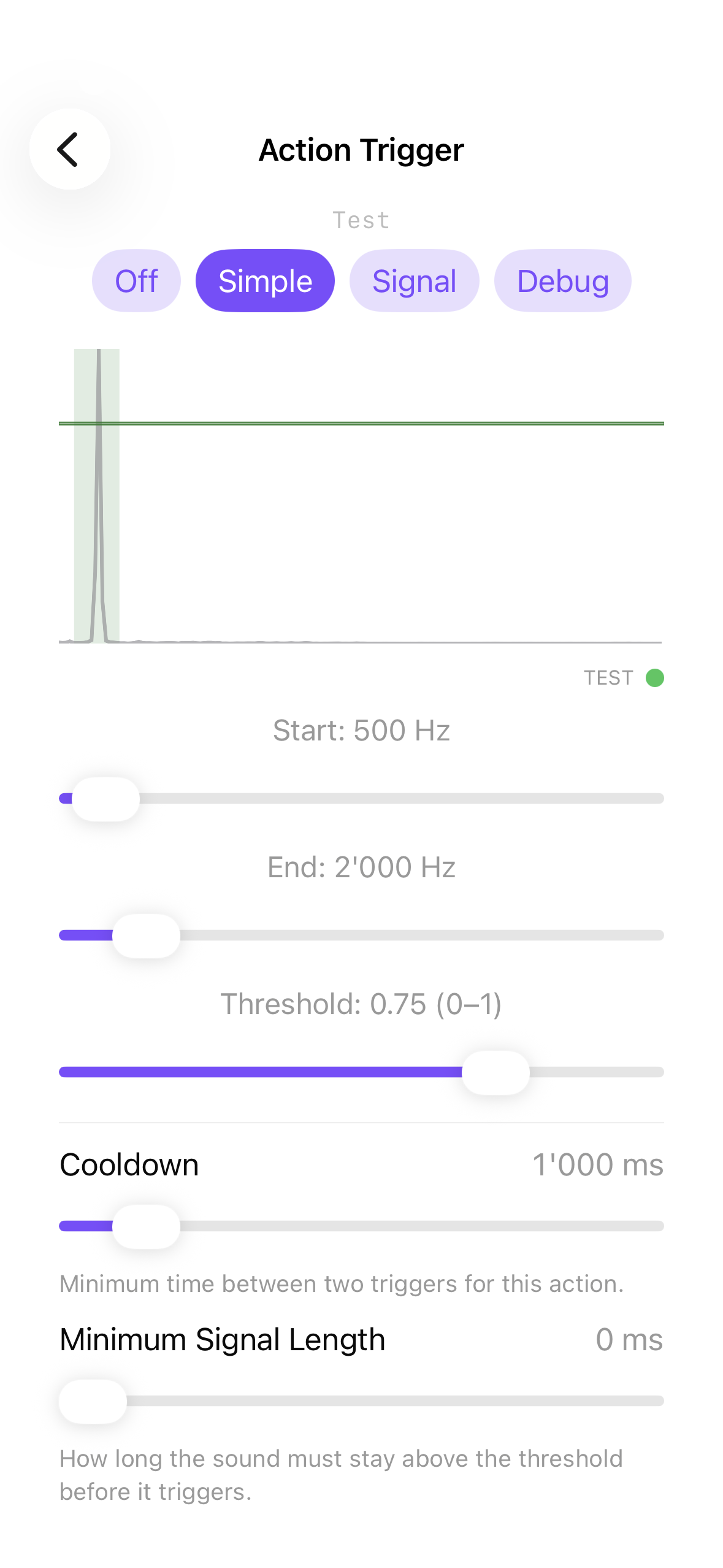
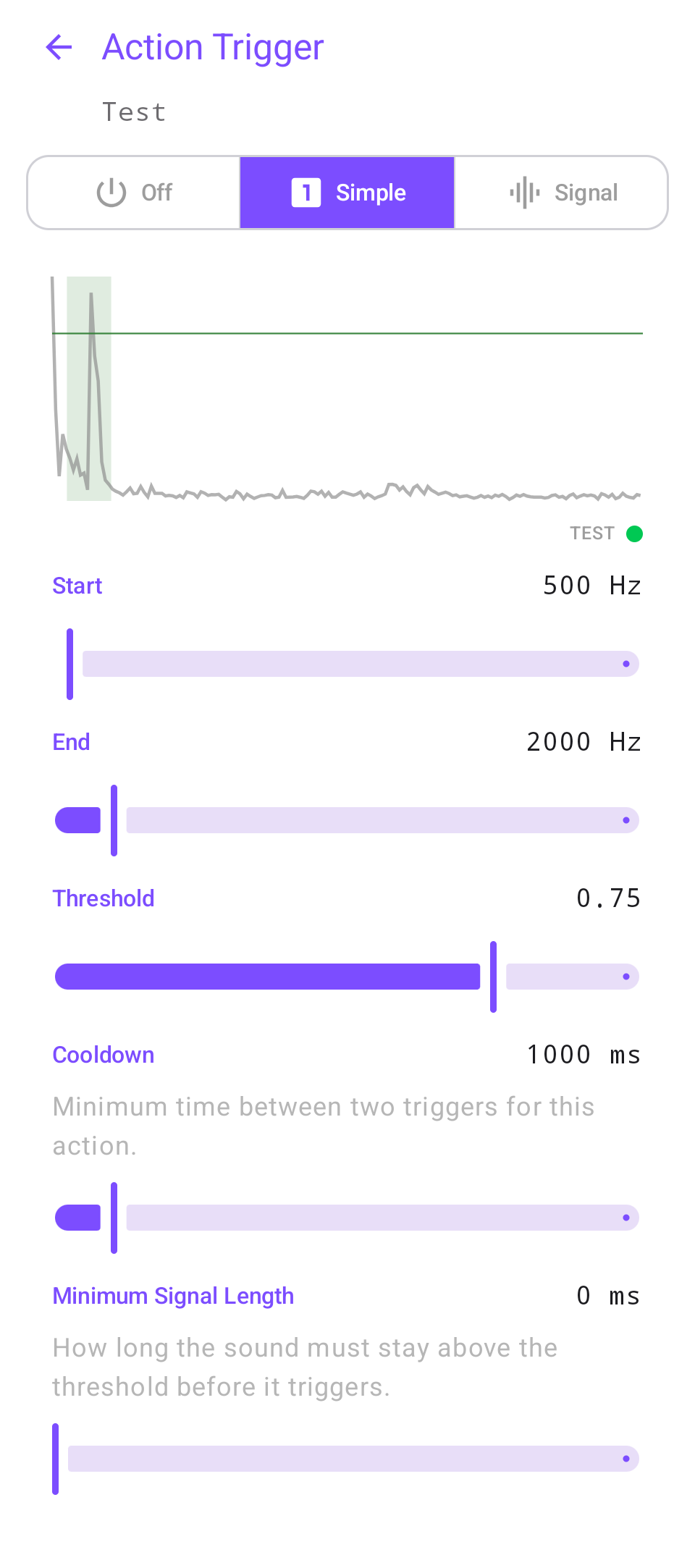
Simple mode fires when energy in a selected frequency range exceeds a threshold for a minimum duration. Add a cooldown to prevent repeated triggers.
Use case: a clap, whistle, or any broad-spectrum burst that is reliably louder than the ambient noise.
Signal mode matches a sequence of frequency snapshots against what the microphone hears in real time. Each slot represents one sampling interval, so the pattern spans multiple time steps.
Use cases: repeated beep sequences, multi-tone signals, or any pattern that needs to be distinguished from random noise.
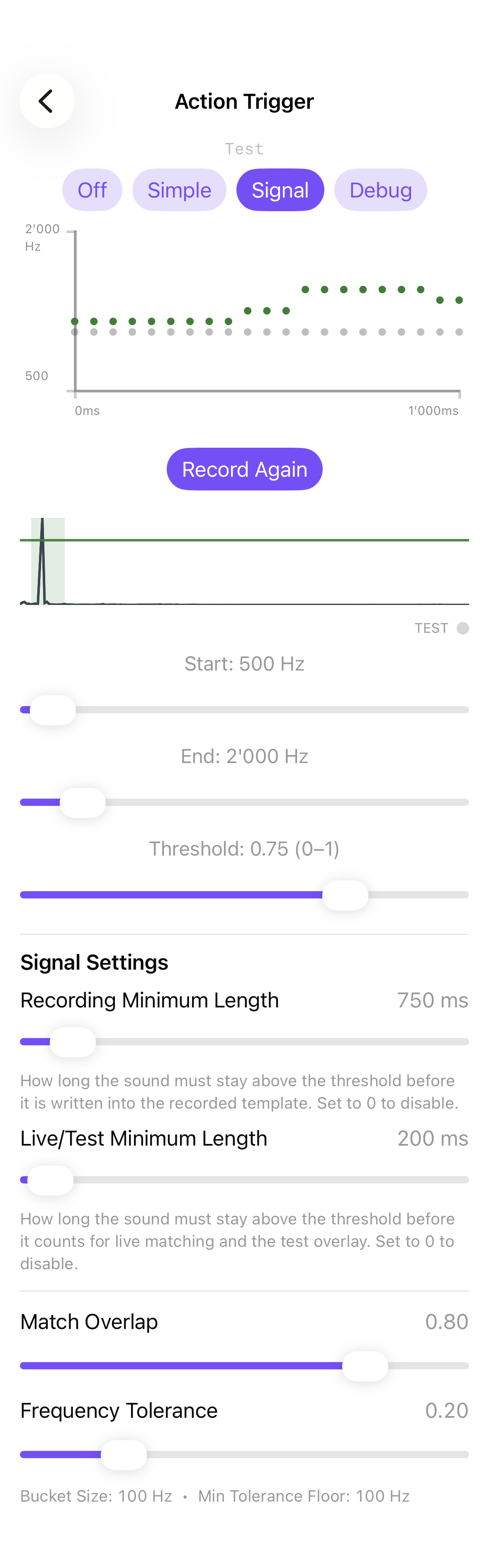
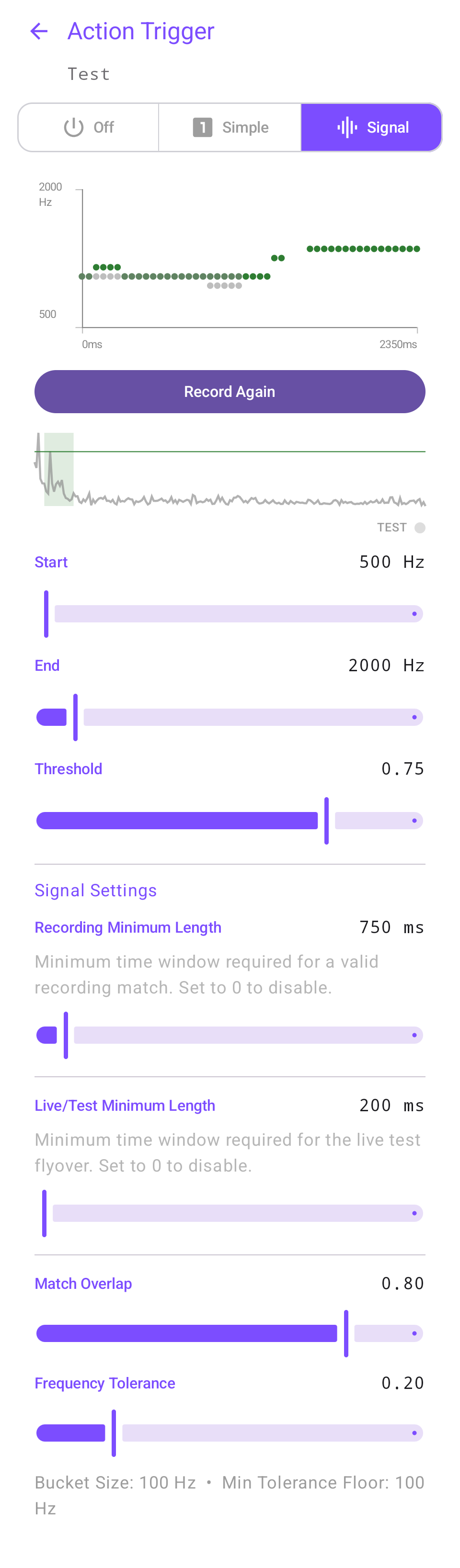
The live screen runs alongside your camera during actual recording. It shows the spectrum in real time so you can verify that your triggers are firing correctly in the field.
Choose your platform. (Replace the placeholder links with your real App Store / Play Store URLs.)
Want the text here to match your Google Play listing exactly? Paste your Play Store description into this section and it will read like the store page.
